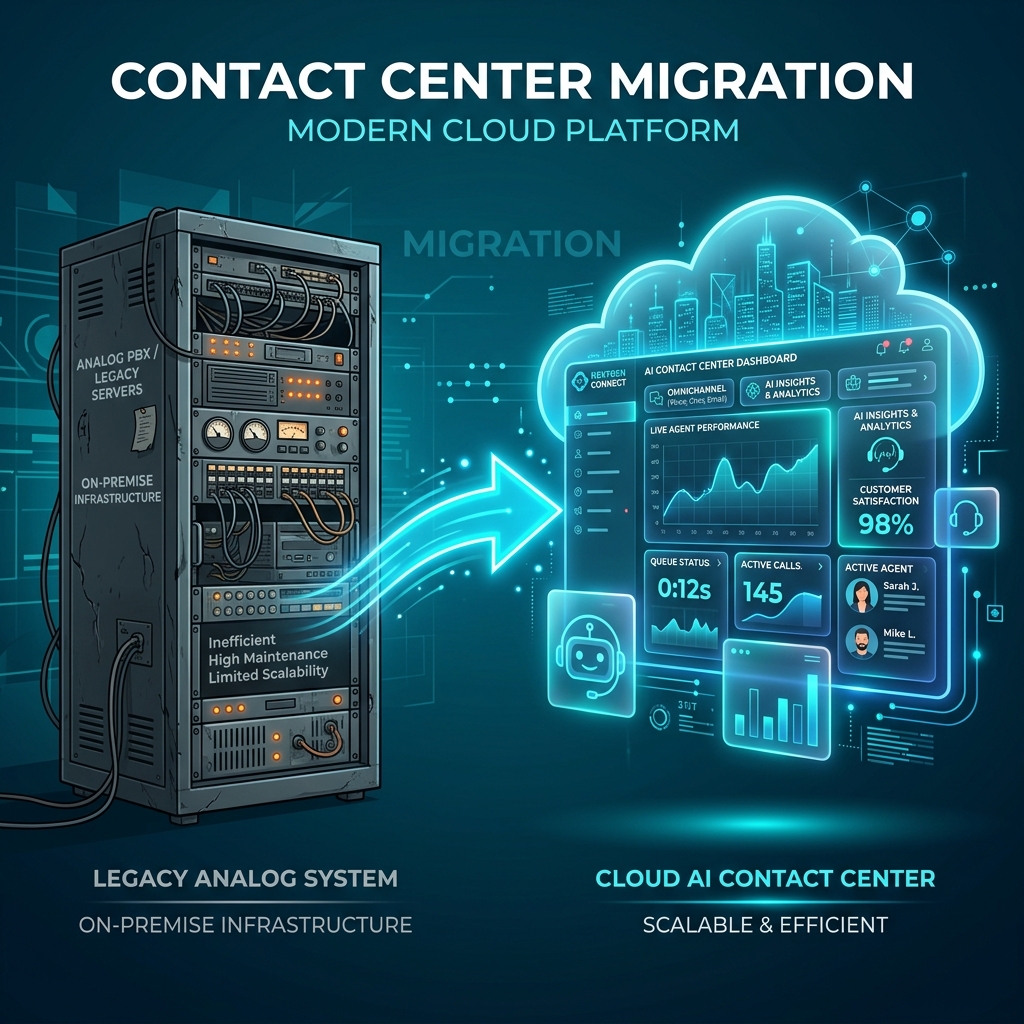
Moving a contact center is not simply a software installation. It changes how phone numbers reach the business, how agents receive calls, how supervisors see performance, how recordings are retained, and how failures are handled.
A successful migration therefore starts with an operating model—not a feature list.
This checklist helps technical and operations teams move from a legacy PBX or fragmented call-center stack to a modern platform while reducing avoidable routing, integration, and rollout risk.
1. Define the migration outcome
Start by writing down what the project must improve. Examples include:
- consolidating several PBX and queue systems;
- supporting remote or distributed agents;
- separating multiple clients or business units;
- introducing controlled outbound campaigns;
- connecting call events to a CRM or ticketing system;
- improving routing visibility and change control.
Choose measurable outcomes. “Modernize the call center” is too broad. “Route the support number to two skill groups with a 30-second overflow and capture a disposition for every answered call” is testable.
Use the NextGenSwitch contact center overview to map the target workflow, then confirm the required modules in the feature capability map.
2. Inventory every call entry point
Create an inventory of all numbers and routes before changing anything.
For each inbound number, record:
| Item | Questions to answer |
|---|---|
| Number ownership | Who owns the DID, and can it be ported or rerouted? |
| Carrier | Which provider delivers the call? |
| Business hours | Which timezone and holiday calendar apply? |
| Primary destination | IVR, ring group, queue, extension, or external number? |
| Failover | What happens after timeout, carrier failure, or no available agent? |
| Caller identity | Which number and name should agents and customers see? |
| Recording | Is recording enabled, and what consent and retention rules apply? |
Do the same for outbound calling. Confirm authorized caller IDs, trunk capacity, permitted destinations, quiet hours, retry policies, and opt-out handling.
3. Document the current call flows
Do not rely on administrator memory. Draw the current flow for every important number:
- carrier receives the call;
- schedule checks business hours;
- announcement or IVR collects input;
- route sends the call to a queue;
- queue applies agent and timeout rules;
- unanswered calls move to a defined fallback;
- the system records the final outcome.
Include exceptional paths such as invalid IVR input, silence, a full queue, an unavailable integration, or a failed transfer. These are often the paths that expose migration problems.
The Virtual PBX product page and module documentation for inbound routes, IVRs, and call queues can help organize this inventory.
4. Establish a responsibility matrix
A contact center depends on more than the application. Assign an owner for each layer:
- telecom numbers, trunks, termination, and caller identity;
- compute, storage, networking, DNS, certificates, and backups;
- application configuration and access control;
- CRM, ticketing, identity, and reporting integrations;
- monitoring, alerting, incident response, and change approval;
- privacy, recording, consent, retention, and outbound-contact policies.
If several vendors are involved, document who opens the first incident and who can change each system. A technically correct design can still fail operationally when responsibility is ambiguous.
5. Size the traffic and concurrency
Monthly minutes are not enough for capacity planning. Capture:
- busiest-hour call attempts;
- expected simultaneous inbound and outbound calls;
- average talk and hold time;
- queue peaks;
- agent count by shift;
- codec and bandwidth assumptions;
- recording and storage volume;
- seasonal or campaign-driven spikes.
Use a pilot to validate assumptions, but do not treat light demo traffic as proof of production capacity. Read the companion guide on SIP trunk capacity and concurrent call planning.
6. Plan identity and permissions
List the roles that need access: platform administrators, tenant administrators, supervisors, agents, analysts, integration accounts, and support personnel.
Apply least privilege. Separate everyday accounts from high-impact administrative access. Define:
- account provisioning and removal;
- password and multi-factor authentication policy where supported;
- API credential storage and rotation;
- tenant or business-unit boundaries;
- access to recordings, transcripts, and exported reports;
- audit and change-review expectations.
Do not copy shared production passwords into migration documents, tickets, or email.
7. Map integrations and failure behavior
For every integration, record the trigger, authentication method, expected response, timeout, retry policy, and fallback.
A CRM lookup, for example, should answer several questions:
- What identifies the customer?
- What happens if several records match?
- Can the agent continue if the CRM is unavailable?
- Is a failed update retried?
- Where is the failure logged?
- Which data is allowed to cross the integration boundary?
The same discipline applies to AI and speech services. An AI workflow needs provider credentials, quotas, latency expectations, allowed actions, validation, retry limits, and human transfer—not just a prompt. Compare AI IVR with a virtual voice assistant workflow before selecting an approach.
8. Build a representative test plan
Test normal paths and failure paths with representative devices, carriers, networks, languages, and agent states.
At minimum, verify:
- inbound and outbound audio in both directions;
- caller ID behavior;
- DTMF input;
- IVR timeout and invalid input;
- queue strategies and agent states;
- overflow and after-hours routes;
- transfer and conference behavior;
- recording playback and permissions;
- CRM or ticket creation;
- provider timeout and recovery;
- reporting and disposition capture.
Record the expected result for each test. “Call worked” is not a sufficient acceptance criterion.
9. Roll out in controlled stages
A practical sequence is:
- configure a non-critical number or internal workflow;
- test with a small user group;
- observe real traffic and correct operational gaps;
- migrate one queue or department;
- keep a documented rollback route;
- expand after acceptance criteria are met.
Avoid changing the carrier, application, devices, network, integrations, and agent process at the same moment unless the project has no alternative. Smaller stages make failures easier to isolate.
10. Review after launch
The first production week should include daily review of:
- failed or abandoned calls;
- queue wait and overflow;
- registration or trunk errors;
- transfer failures;
- integration errors;
- recording gaps;
- agent feedback;
- unexpected traffic or capacity limits.
Turn discoveries into configuration changes, documentation, monitoring, or training. Migration ends only when the new workflow is understood and supportable—not when the first call connects.
Prepare your migration workshop
Bring your number inventory, call-flow diagrams, agent and tenant counts, traffic assumptions, carrier details, integrations, hosting preference, compliance requirements, and rollout timeline.
You can explore the live platform, review plans and scope, or share your migration requirements with the NextGenSwitch team.